Prerequisites
-
Operating system Windows 7 / Windows 2008 Server or newer;
-
.Net Framework 4.5.1 - You can download and install it from here or use the web installer from here;
-
Smart OPC XML HDA Test Client setup package.
Running Setup
Run the Smart OPC XML HDA Test Client setup package e.g. Smart OPC HDA Test Client Setup x86 1_0_282_823.msi.
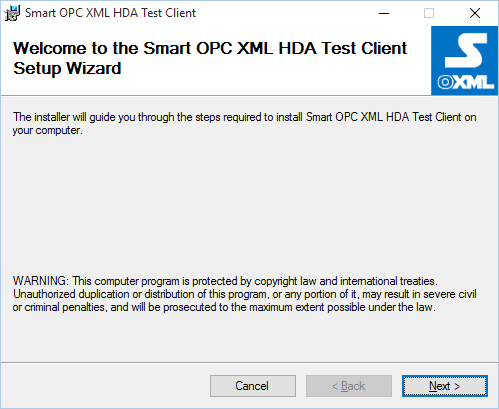
You will see the dialog as shown above. Press the "Next" button.
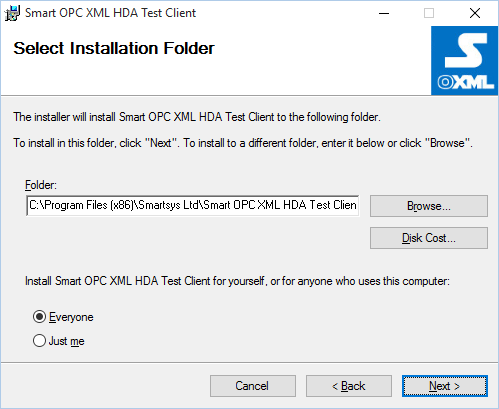
Press the "Next" button.
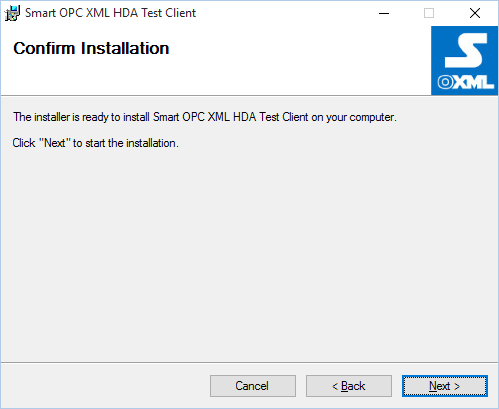
Press the "Next" button.
Wait until installation completes.
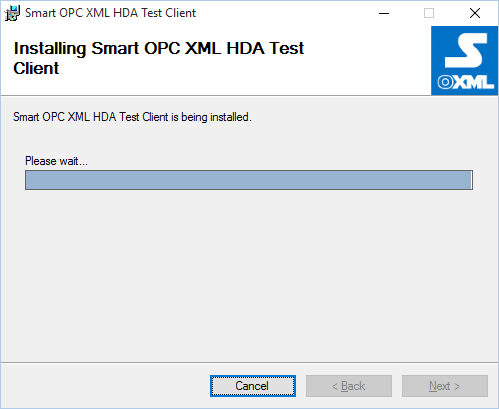
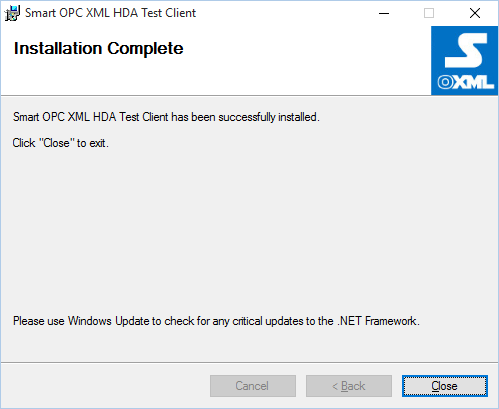
When installation is completed you will see the dialog as shown above. Press "Close" button. The program is installed in "%SystemDrive%:\Program Files (x86)\Smartsys Ltd\ Smart OPC XML HDA Test Client". Also from the programs menu locate the Smart OPC XML HDA Test Client shortcut and start it. You shoul see a dialog like shown below.

To connect to a locally installed Smart OPC XML Server. Press add button and in Service link type http://localhost:9081/OpcXmlHda.asmx (if you don't see such link already configured). Press the Connect button. If everything is OK, then you should see the server status dialog as shown below.
