Prerequisites
-
Operating system Windows 7 / Windows 2008 Server or newer;
-
.Net Framework 4.5.1 - You can download and install it from here or use the web installer from here;
-
Some of the plugins (e.g. Smart.OpcXml.Plugins.OpcDa and Smart.OpcXml.Hda.Plugins.OpcHda) require OPC Core Components Redistributable (x64) 105.1 or OPC Core Components Redistributable (x86) 105.1 depending on what platform you use. You can find it here (must be a Member, needs only registration). You may not install OPC Core Components Redistributable, but you have manually to register the components, how to do that we will explain later;
-
Smart OPC XML Server Setup package x86 or x64 release;
-
If ASP. NET libraries are not installed, you must create the following folders, if don't exist: "C:\Windows\Microsoft.NET\Framework64\v4.0.30319\Temporary ASP.NET Files" and "C:\Windows\Microsoft.NET\Framework\v4.0.30319\Temporary ASP.NET Files";
Running Setup
Run the Smart OPC XML Server setup package e.g. Smart OPC XMLServer Setup x64 1_0_xxx_xxx.msi.

You will see the dialog as shown above. Press the "Next" button.

Press the "Next" button.
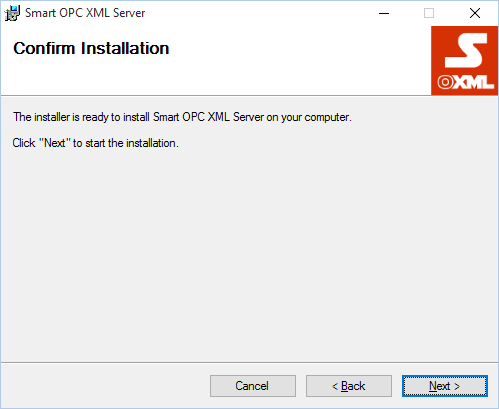
Press the "Next" button.
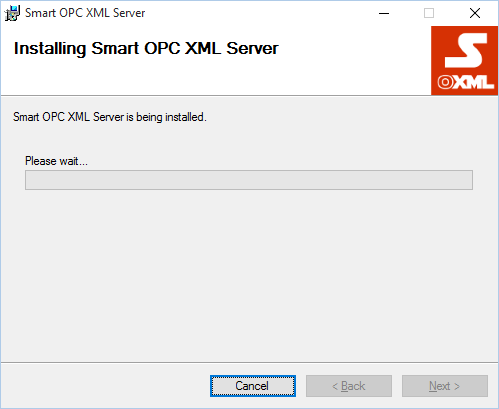
Wait until installation completes.

When installation is completed you will see the dialog as shown above. Press "Close" button. The program is installed in "%SystemDrive%:\Program Files\Smartsys Ltd\Smart OPC XML Server".
If ASP .NET libraries are not installed, open the Web.config file in the root service installation folder (e.g. "C:\ProgramFiles\Smartsys Ltd\Smart OPC XML Server\Web.config"). Locate the following:
<assemblyBinding xmlns="urn:schemas-microsoft-com:asm.v1">
    <probing privatePath="Lib"/>
</assemblyBinding>
and change the privatePath="Lib" to privatePath="Lib;Bin"
<assemblyBinding xmlns="urn:schemas-microsoft-com:asm.v1">
    <probing privatePath="Lib;Bin"/>
</assemblyBinding>
Thus required libraries will be found when starting up. You must restart the Smart OPC XML Service, changes to take effect.
OPC Core Components Registration
You can omit this step if you plan or already have installed OPC Core Components Redistributable from the OPC Foundation or you don't plan to use Smart OPC XML Server's wrapper plugins for connecting to classic OPC DA or HDA DCOM servers.
Smart OPC XML Server comes with pre-compiled OPC Core Components situdated in "<InstallDir>\Lib\x86" for x86 platform and "<InstallDir>\Lib\x64" for x64 plarform. You must start the command prompt as administrator with elevated priviledges and navigate to the folder for the platform you use and run the "dllregister.cmd" command file to register the components or "dllunregister.cmd" to unregister them.
Remark:
If you move the "<InstallDir>" somewhere else you must run registration command file again.